Your desk. Your workspace.
Install Operoso on your computer and get to work. No browser tabs to manage, no cloud account to create.
A LITTLE LESS ADMIN. A LITTLE MORE DOING.
Good work deserves a good invoice. Meet the quiet little desktop app that keeps your invoices, clients, and businesses in order. And in your hands.
Free to use No account Works offline
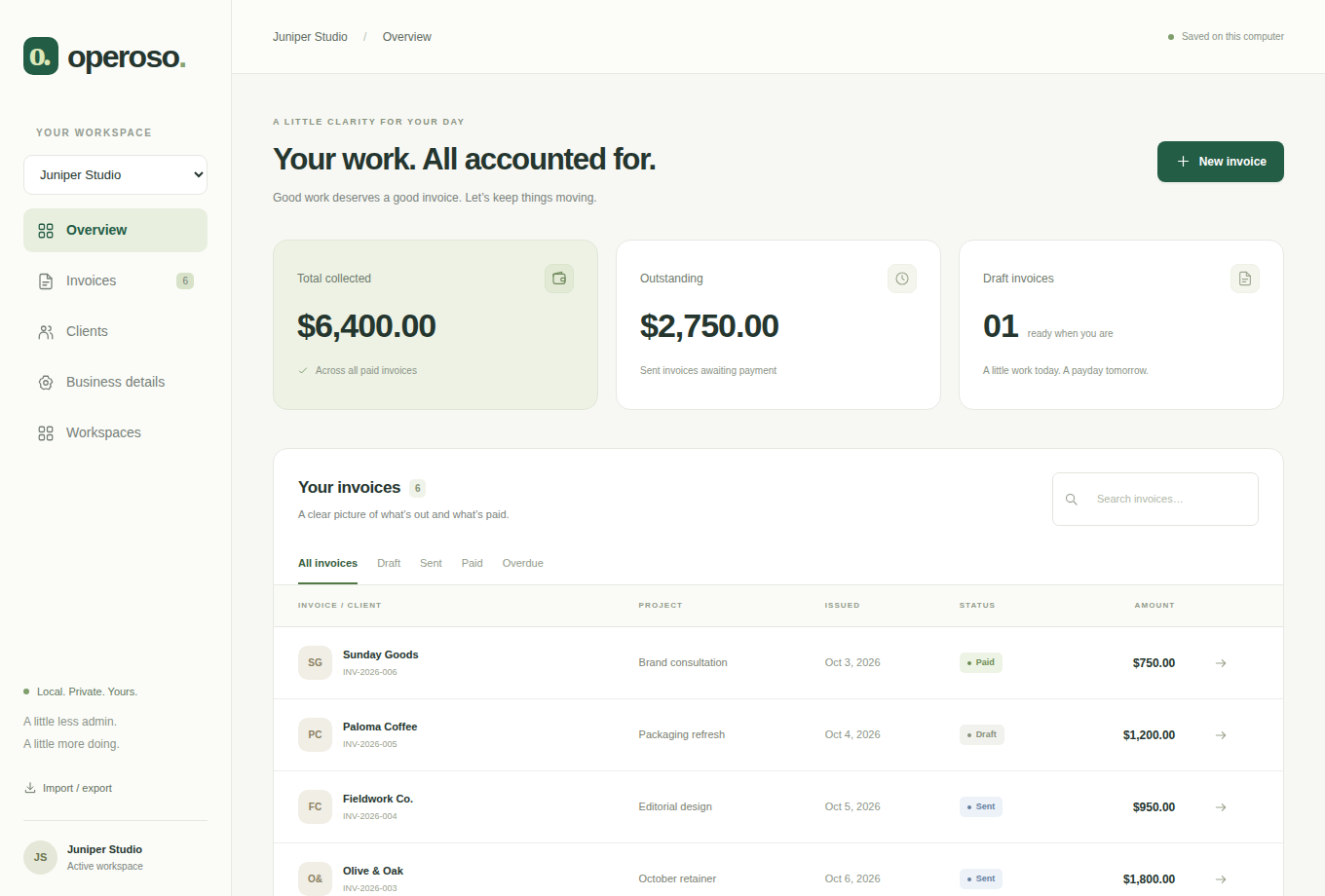
A PLACE FOR THE BUSINESS SIDE
From the first draft to the final payment, keep the essentials together without making invoicing a project of its own.
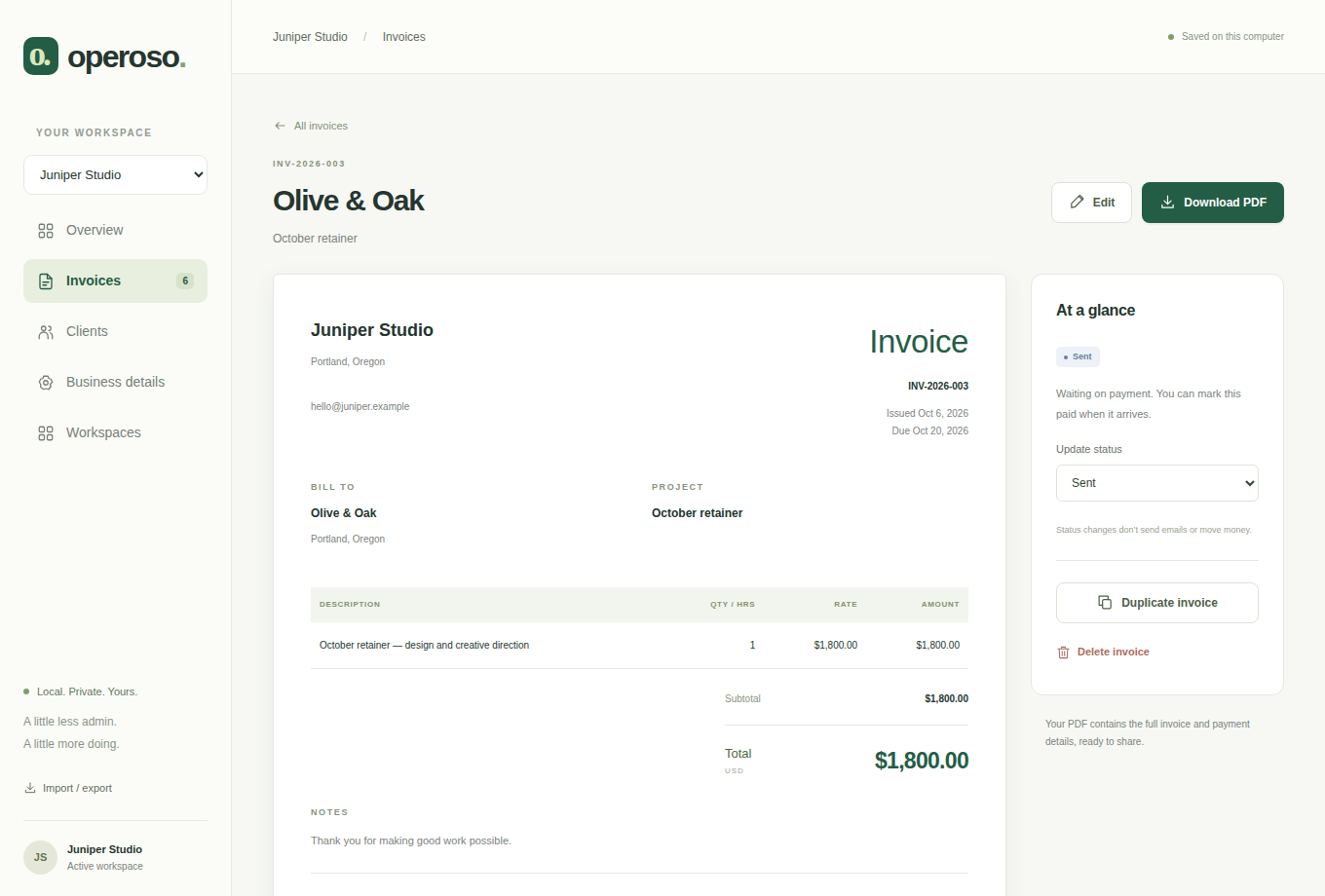
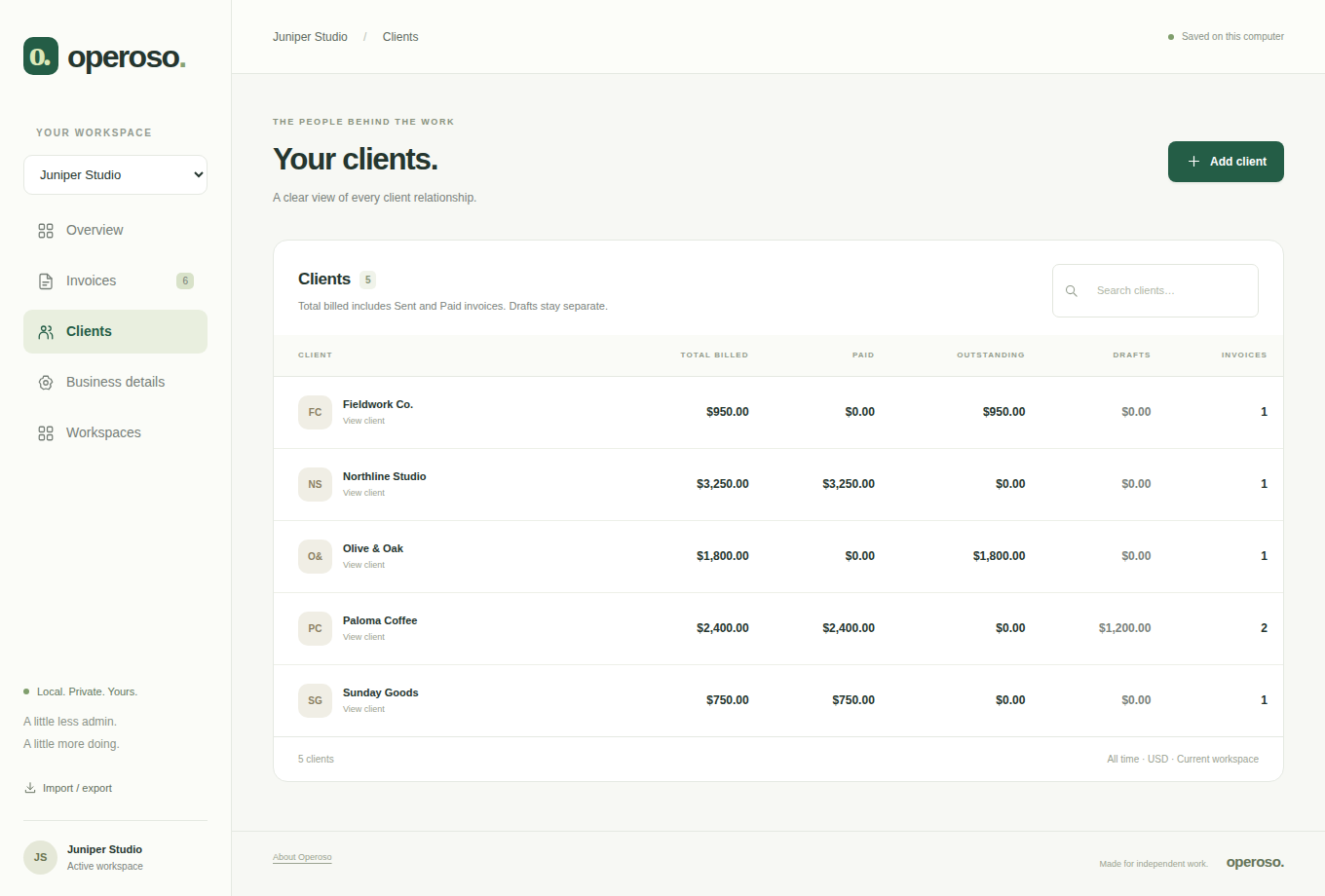
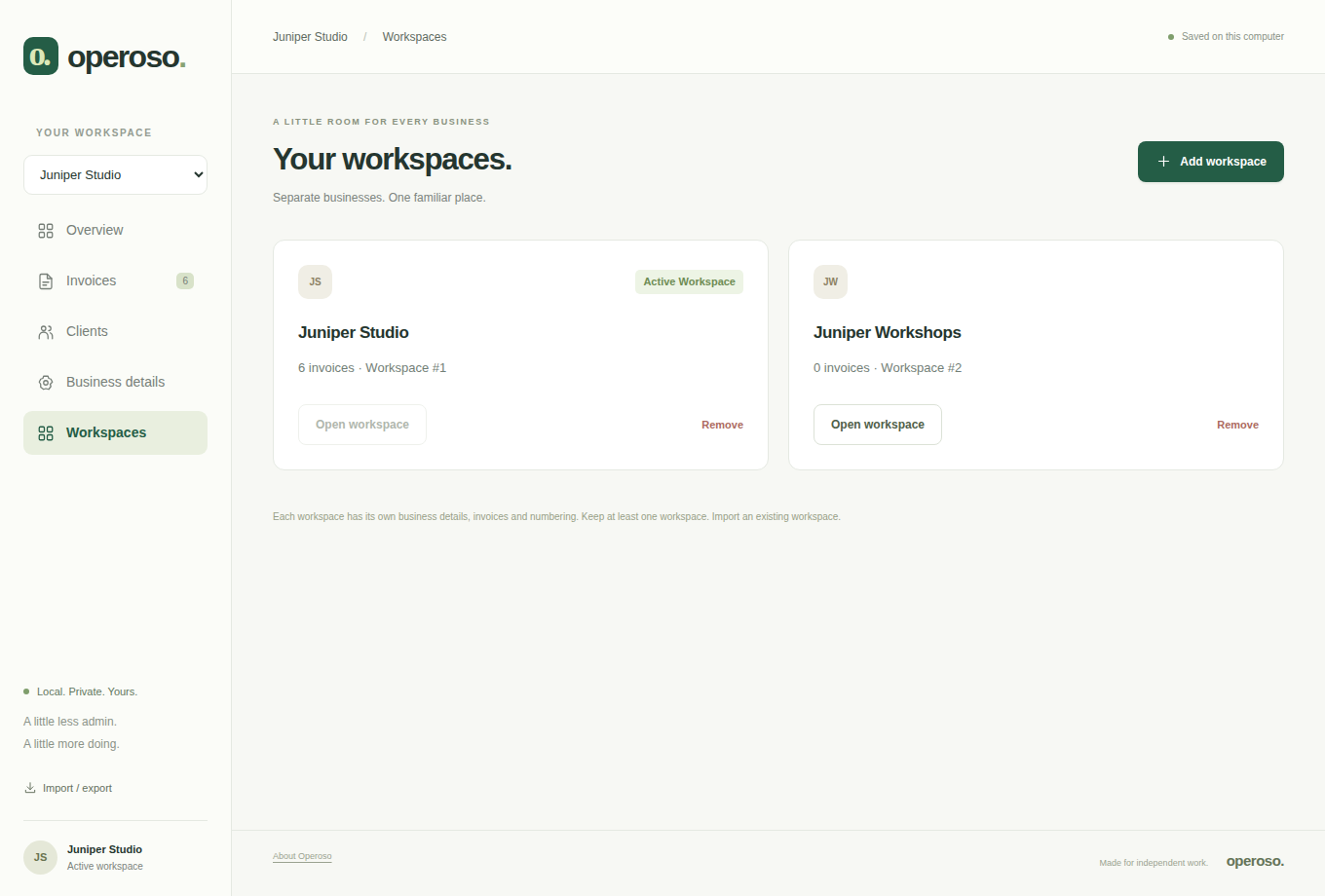
INDEPENDENT BY DESIGN
Running your own thing comes with enough strings attached. Your invoicing app shouldn’t add any more.
Install Operoso on your computer and get to work. No browser tabs to manage, no cloud account to create.
Create and manage invoices without the internet. Send your PDFs and collect payments your usual way.
Export your invoices and business details. Keep backups wherever you choose, and import them when you need them.
SMALL APP. ROOM TO BREATHE.
For freelancers, independent studios, and people running more than one good thing. All the current features, without a monthly bill.
Linux release coming soon.
Ask about OperosoLinux desktop · USD invoices
A FEW GOOD QUESTIONS
Something else on your mind?
We’d like to hear it.
Yes. The current release is free and unrestricted. All its features are available without an account, subscription, or license activation.
On your computer, in Operoso’s local data folder. Your invoices and client details aren’t uploaded to a cloud account. Use Import / export to keep an additional backup somewhere safe.
Absolutely. Add a workspace for each business and switch between them. Each workspace keeps its own business details, clients, and invoices.
Operoso prepares your invoices and exports them as PDFs. You send them through your own email and collect payments however you normally do. Update invoice status in the app to keep track.
Operoso is starting on Linux. Invoice amounts are currently in US dollars. Support for other platforms and currencies isn’t available yet.
Yes. Export a workspace or all your workspaces as JSON, or save a SQLite database backup. Import a backup to create new workspaces on another installation. The current import limit is 20 MB.
A NOTE GOES A LONG WAY
A question, an idea, or something that isn’t working quite right? Send a note. Your experience helps shape what comes next.
support@operoso.ioIndependent software. A human conversation.